
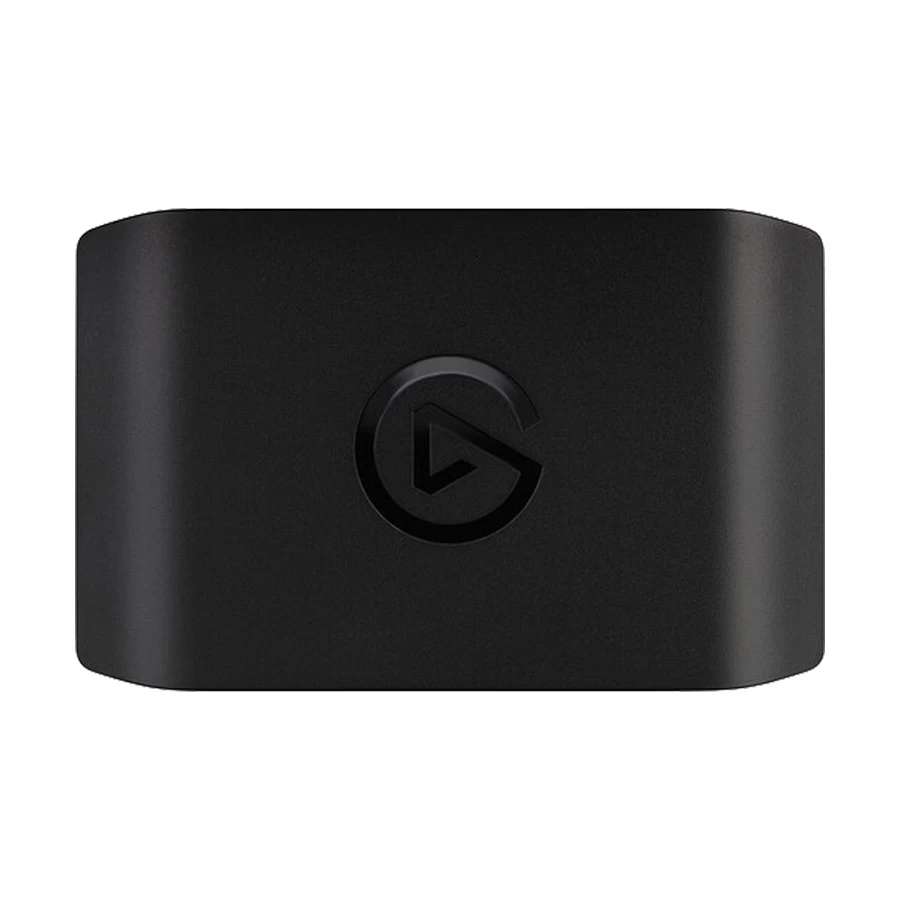
Corsair Elgato Game Capture HD60 X Game Recorder
Available
Brand: N/A
SKU:SKU-121
Short Description
- Short Description
- Capture Resolution (Pixel) - 2160p
- Interface(s) - HDMI
Tk 19,300
1
Corsair Elgato Game Capture HD60 X Game Recorder: Elevate Your Streaming Experience
In the world of gaming, capturing and sharing gameplay has become an essential aspect of the experience. Whether you're a professional streamer, a content creator, or a passionate gamer, having the right tools to record and broadcast your gameplay in high quality can make all the difference. The Corsair Elgato Game Capture HD60 X Game Recorder is the ultimate solution for seamless, high-resolution game capture. Available at Best Computer Hub Ltd, this state-of-the-art device ensures that you can stream and record your gameplay with precision and clarity. [ez-toc]Why Choose the Corsair Elgato Game Capture HD60 X Game Recorder?
The Corsair Elgato Game Capture HD60 X Game Recorder stands out due to its high-performance features, ease of use, and professional-grade streaming capabilities. Whether you're capturing footage from a PlayStation, Xbox, or PC, this game recorder delivers exceptional performance with ultra-low latency and stunning 4K resolution passthrough.Key Features of the Corsair Elgato Game Capture HD60 X Game Recorder
- 4K60 HDR10 Passthrough – Enjoy uninterrupted, high-quality gameplay while recording or streaming. The Corsair Elgato Game Capture HD60 X Game Recorder ensures that you experience your games in their full visual glory.
- 1080p60 HDR Recording – Capture your gameplay at a high resolution with rich color depth, ensuring your audience gets the best viewing experience.
- Low Latency Technology – With its Instant Gameview technology, the device delivers ultra-low latency, allowing you to stream in real time without any delay.
- Plug and Play Setup – The easy-to-use interface ensures that you can set up your Corsair Elgato Game Capture HD60 X Game Recorder in no time.
- PC-Free Recording – Save your recorded gameplay directly to an external hard drive or SSD, making it a versatile solution for content creators.
- USB 3.0 Connectivity – Ensures faster data transfer and seamless integration with streaming software like OBS Studio, Streamlabs, and XSplit.
- Compatible with Multiple Platforms – Whether you game on PlayStation, Xbox, Nintendo Switch, or PC, this game recorder supports a wide range of devices.
- Advanced Streaming Capabilities – With support for live streaming on YouTube, Twitch, and Facebook Gaming, the Corsair Elgato Game Capture HD60 X Game Recorder is an ideal choice for professional streamers.
Best Computer Hub Ltd: Your Trusted Source for Gaming Gear
When looking for the best place to buy the Corsair Elgato Game Capture HD60 X Game Recorder, Best Computer Hub Ltd is your go-to destination. As a leading provider of high-quality gaming accessories and hardware, Best Computer Hub Ltd offers competitive prices, genuine products, and excellent customer service.Why Buy from Best Computer Hub Ltd?
- Authentic Products – 100% original and high-quality gaming accessories.
- Competitive Prices – Best deals on premium gaming gear.
- Fast Shipping – Quick delivery options to ensure you get your product on time.
- Expert Customer Support – Knowledgeable staff ready to assist with your queries.
- Warranty and Return Policy – Hassle-free returns and warranty services for peace of mind.
How to Set Up Your Corsair Elgato Game Capture HD60 X Game Recorder
Setting up the Corsair Elgato Game Capture HD60 X Game Recorder is simple and hassle-free. Follow these steps to get started:- Unbox the Device – Inside the package, you’ll find the HD60 X Game Recorder, a USB 3.0 cable, an HDMI cable, and a quick start guide.
- Connect to Your Console or PC – Use the HDMI cable to connect your gaming console to the game recorder’s HDMI input.
- Connect to Your Display – Use another HDMI cable to connect the recorder’s HDMI output to your monitor or TV.
- Connect to Your PC via USB – Plug the USB 3.0 cable into your computer for data transfer and streaming.
- Install the Required Software – Download and install Elgato’s streaming software or use OBS Studio for live streaming and recording.
- Configure Your Settings – Adjust your recording resolution, frame rate, and audio settings to optimize performance.
- Start Streaming or Recording – Press the record or stream button and begin your high-quality gameplay capture.
Optimizing Your Streaming with the Corsair Elgato Game Capture HD60 X Game Recorder
For the best streaming experience, consider the following tips:- Use a High-Speed Internet Connection – A fast and stable connection ensures smooth live streaming.
- Optimize Your PC Performance – Close unnecessary applications while recording to free up system resources.
- Use a Dedicated Microphone – Enhance your commentary with a high-quality microphone for professional audio.
- Adjust Bitrate and Resolution – Match your recording settings to your internet speed and PC capabilities for optimal quality.
- Engage with Your Audience – Interact with your viewers to create an engaging streaming experience.
Who Should Buy the Corsair Elgato Game Capture HD60 X Game Recorder?
The Corsair Elgato Game Capture HD60 X Game Recorder is perfect for:- Professional Streamers – Take your Twitch or YouTube streaming to the next level.
- Content Creators – Produce high-quality gameplay videos for social media and video platforms.
- Esports Players – Record and analyze gameplay to improve performance.
- Casual Gamers – Capture and share gaming moments with friends and family.